
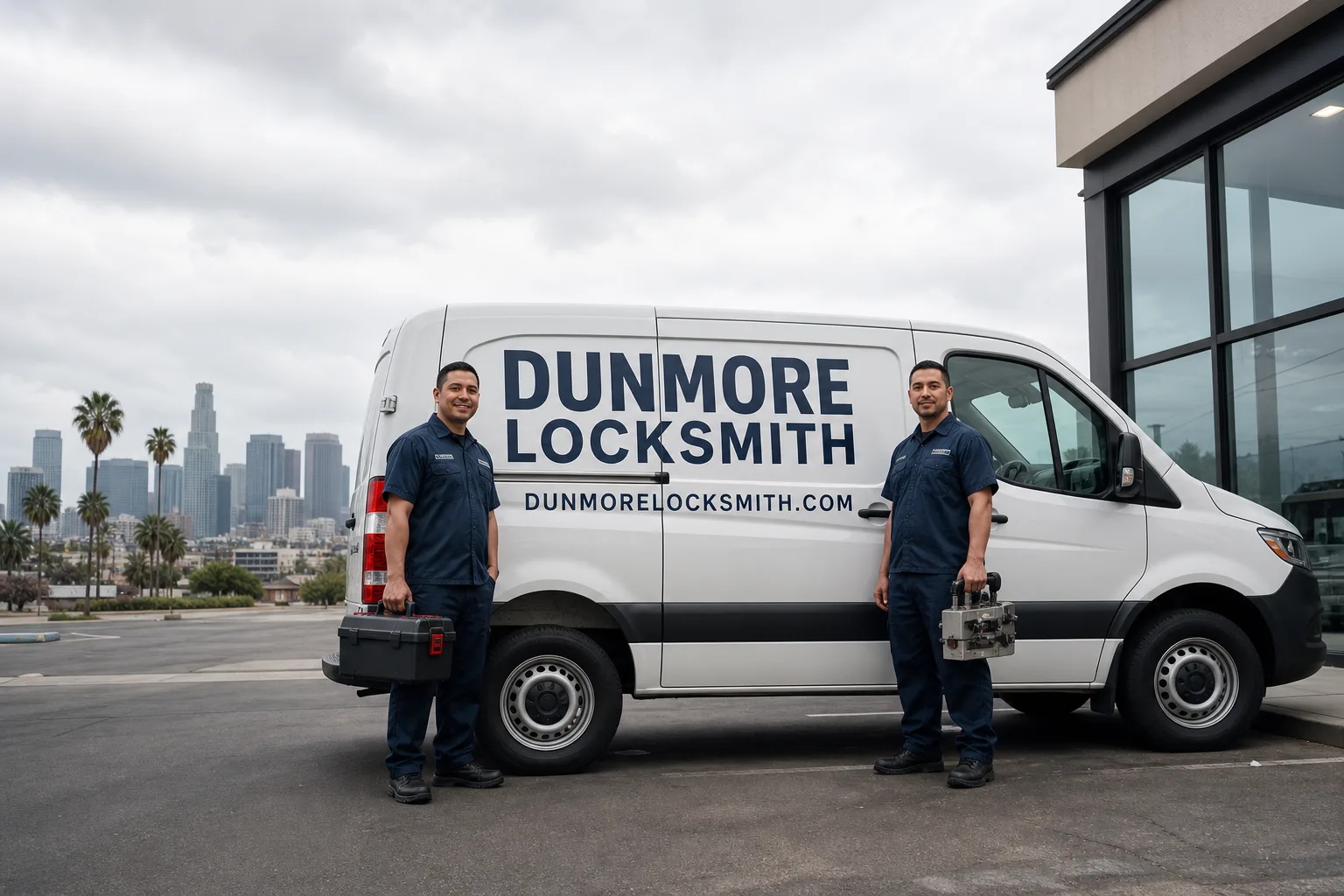
Non-destructive entry first, always - and we re-key Schlage, Kwikset, and Baldwin locks on the spot while you watch
You get a price before we start. It does not change when we arrive. No surprises.
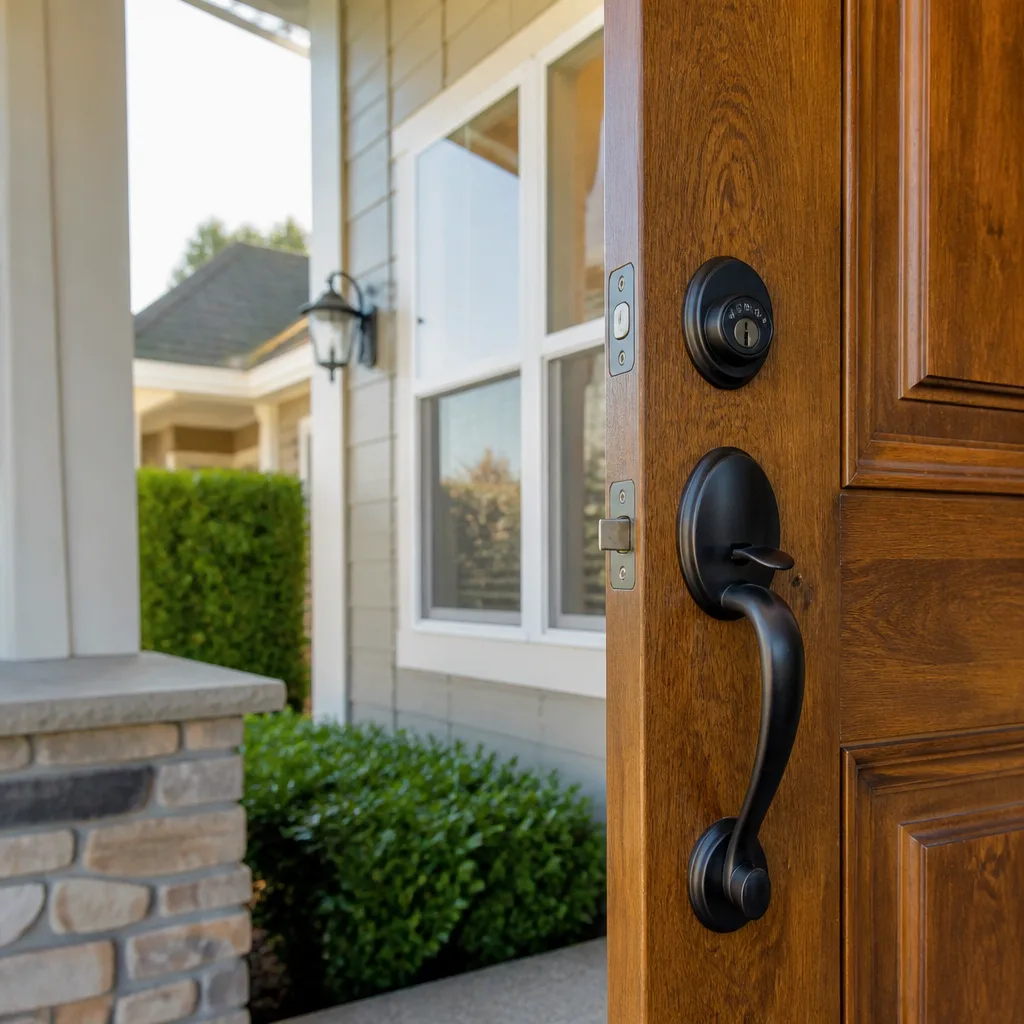
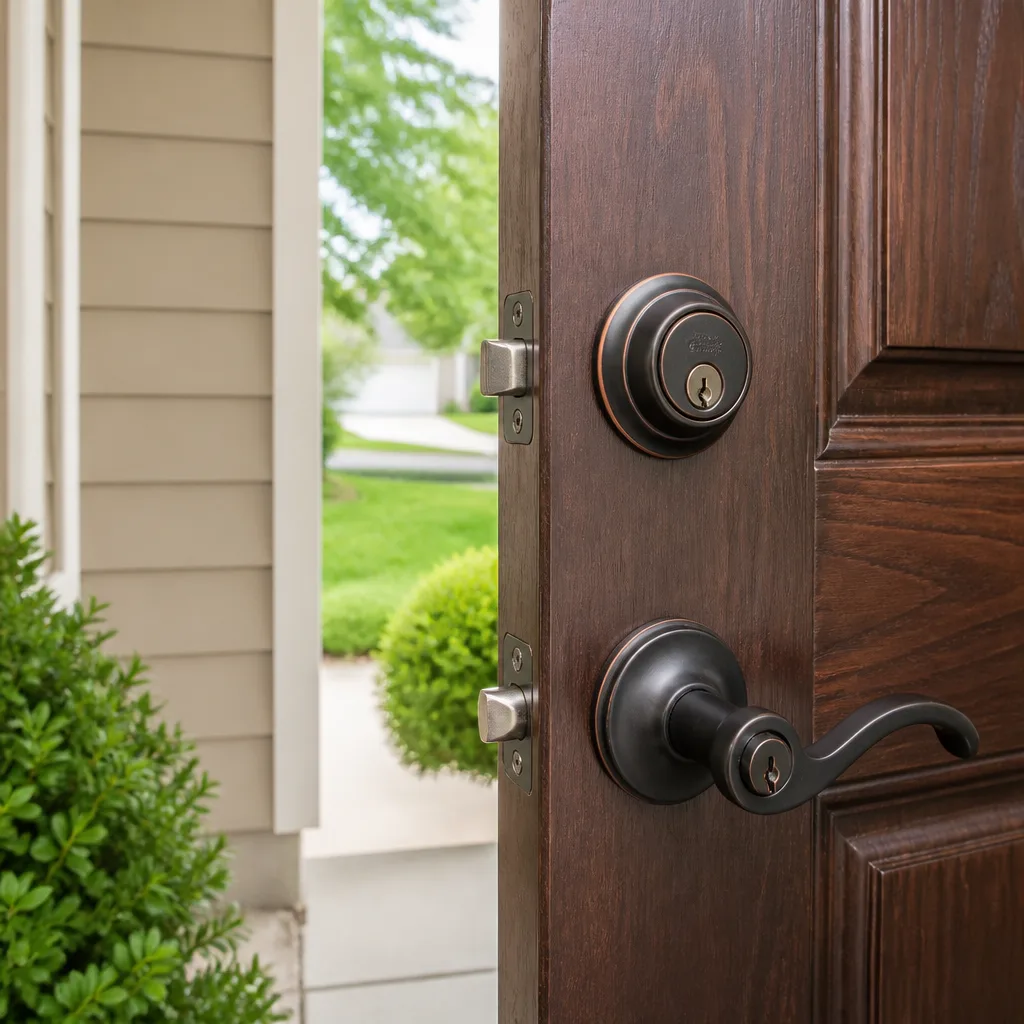
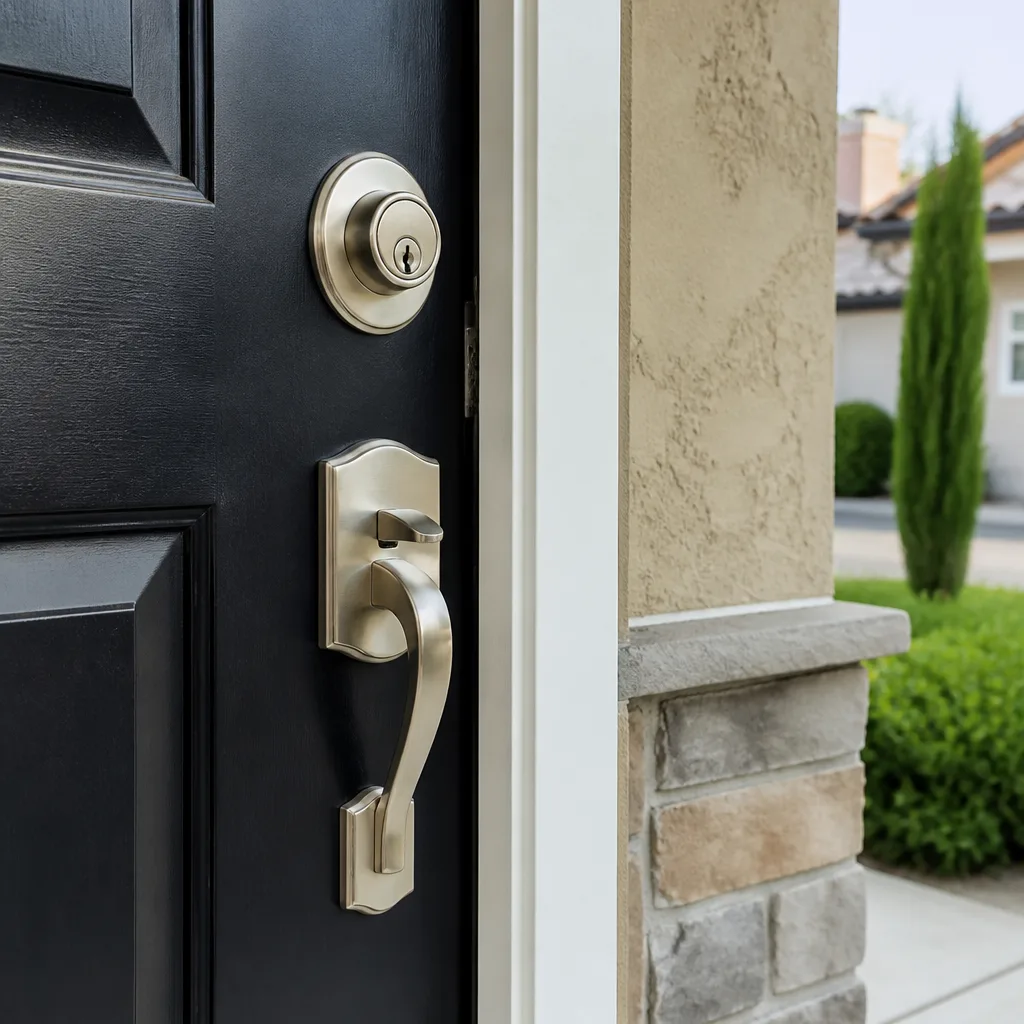
Smart Lock Stopped Working
What’s Happening
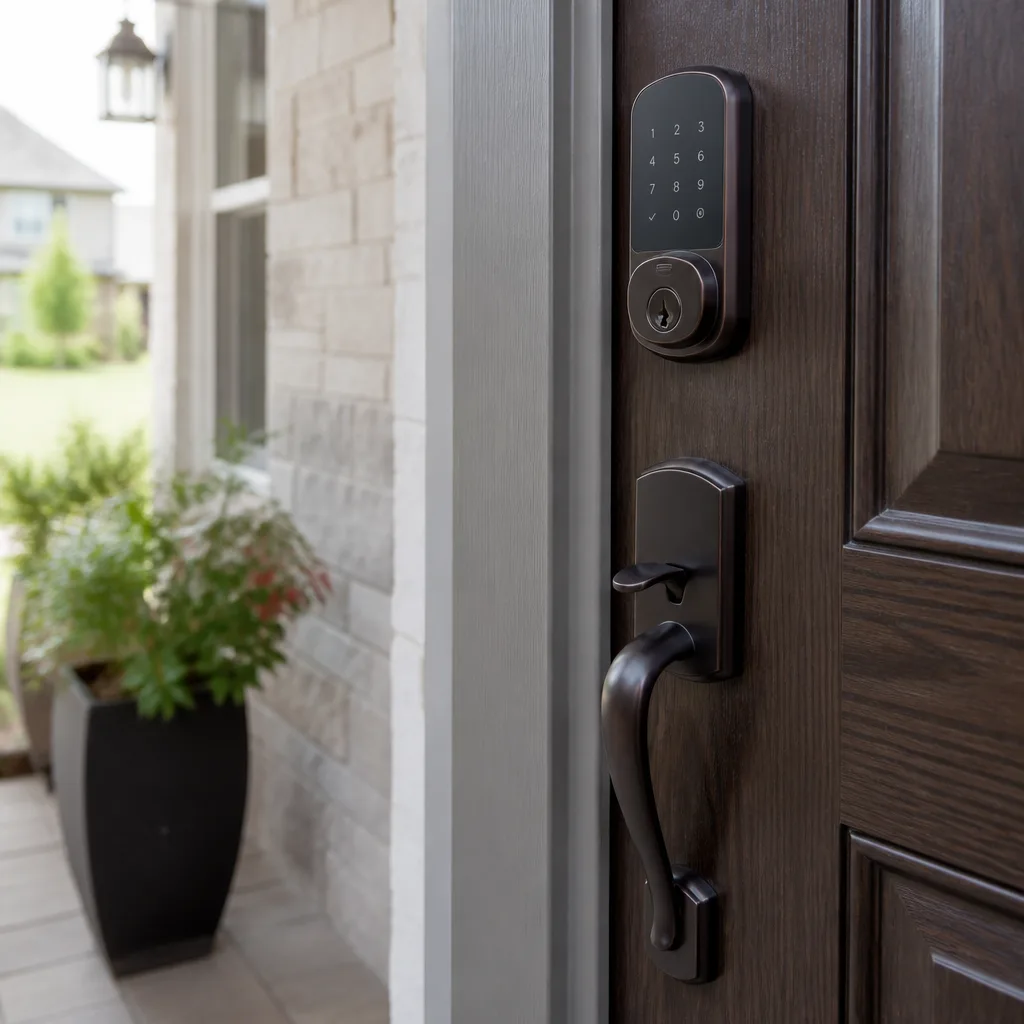
A smart lock that stops working has almost always lost one of three things: power, its wireless connection, or the mechanical latch alignment it depends on to engage and release. Most of the time, the fix is simpler than the panic feels – but a few causes do require a technician to sort out safely and permanently.
Smart locks sit at the intersection of electronics, wireless communication, and old-fashioned door hardware. When something goes wrong, the failure can look identical on the surface – the lock won’t respond, the app spins, the keypad does nothing – even though the actual cause might be a dead battery, a Wi-Fi handshake problem, a firmware hiccup, or a mechanical issue with the door frame itself. Knowing which one you’re dealing with changes everything about what to do next. The sections below walk through each cause in plain terms so you can narrow it down before you pick up the phone.
Why It Happens
Dead or Dying Batteries
This is far and away the most common reason a smart lock stops responding. Most smart locks draw more current than people expect – especially models that run a motor to throw the bolt, use a backlit keypad, or stay connected to a hub around the clock. When the batteries drop below the threshold the motor needs, the lock will often still light up or beep, which tricks people into ruling out power too quickly. If your lock has been acting sluggish before today – slow to respond, giving a low-battery chirp at odd hours, or taking two or three presses to wake up – batteries are the likely culprit.
Lost Wireless or Hub Connection
A smart lock that responds locally – you can still tap the keypad or use a physical key – but won’t respond through the app has almost certainly lost its connection to your router, Z-Wave hub, or Zigbee bridge. This happens after a router password change, an internet outage that forced your router to grab a new IP address, or a hub firmware update that dropped paired devices. If every other smart device in the room is working fine but the lock is offline in the app, the lock’s radio is probably fine and the fix is a re-pairing sequence through the manufacturer’s app.
Firmware or App Software Fault
Smart lock manufacturers push firmware updates in the background, and occasionally a failed or partial update leaves the lock in a confused state – it powers on, the keypad might light up, but it won’t accept commands from the app or even from a valid code. A force-restart of the lock (usually holding the reset button for a prescribed number of seconds, per the manufacturer’s instructions) often clears this. If the lock’s indicator light is flashing in an unfamiliar pattern, check the manufacturer’s site for the error code – most publish a blink-code reference that will tell you exactly what the lock is trying to say.
Mechanical Misalignment with the Door or Frame
Smart locks are electronic on the outside but still mechanical at the bolt. When a door swells with humidity, settles with age, or has a frame that has shifted slightly, the bolt can no longer travel freely into the strike plate. The motor strains, the lock beeps an error or goes silent, and people assume the electronics failed – when the actual problem is the door. You can usually hear this: if the lock makes a grinding or clicking effort before stopping, or if the bolt moves freely when the door is open but binds when it’s closed, the door and frame need adjustment, not new electronics.
What to Do Right Now
- Check the batteries first, even if the display lights up. Remove them, check the voltage with a cheap tester or swap in a fresh set of the correct type, and try the lock again before doing anything else. A keypad that illuminates can still be running on too little power to drive the motor.
- Test the physical key override. Nearly every smart lock ships with a traditional key cylinder as a backup. If the physical key works, the bolt mechanism is intact and the problem is electronic. If the physical key is stiff or won’t turn, the issue is mechanical – stop forcing it and note what you observe so you can describe it clearly when you call.
- Open the door fully and test the lock in the open-door position. If the bolt throws freely when the door is open but binds when the door is closed, you’re dealing with a frame or alignment issue. Don’t keep running the motor against resistance – you can burn out the drive gear, and that turns a simple adjustment into a full lock replacement.
- Check your router and hub status. If the lock responds locally but not through the app, restart your router and hub and wait two minutes for everything to reconnect. Check whether the lock reappears in the app on its own before going further.
- Photograph any error codes or unusual light patterns on the lock’s display before you restart it. That information helps a technician diagnose the fault faster and is easy to lose once you cycle the power.
How We Fix It
When your local Dunmore Locksmith team arrives, the technician starts with a hands-on inspection of the lock, the door, and the frame – not just the electronics. That physical check catches alignment problems that remote diagnostics miss entirely.
From there, the path depends on what’s found. If the issue is mechanical – a bolt that’s binding, a strike plate that needs adjustment, or a latch that’s worn – that falls squarely under our door lock repair service. If the lock itself needs to be replaced or upgraded, that’s a change door locks job, and we carry Schlage, Kwikset, Yale, and Baldwin hardware on the truck. We’re qualified to install and service all of them.
Before any work starts, you get a written price for the specific repair in front of you. That price doesn’t change when the invoice arrives. Most smart lock service calls are finished in under an hour. Every repair is covered by the 365-Day Done Right Promise: if the repair fails within a year, we come back and make it right at no charge.
Frequently Asked Questions
It depends on whether the physical key override still works. If you can lock and unlock the door manually with the key, you’re not exposed – the door is secure and you can schedule a visit at a time that works for you. If the lock is stuck in an unlocked position, or if the key cylinder is also jammed, treat it as urgent and call immediately. A door you can’t secure is a real vulnerability, not something to troubleshoot at your own pace. Call (910) 714-4287 any time – a live person answers 24 hours a day, every day of the year.
Call (910) 714-4287 and a live person will tell you exactly what availability looks like for your area right now. Phones are answered around the clock, and your local Dunmore Locksmith team handles calls every day of the year. We don’t route you to voicemail and we don’t use a chatbot – a real person picks up and works out the timing with you directly.
The honest answer is that price depends on what the technician finds – a battery swap and recalibration costs less than a full lock replacement with new hardware. What we can promise is that you’ll have the exact price in writing before any work starts, and that written price is what appears on your invoice. There are no add-ons after the fact, no call-out surcharges tacked on at the door. Call (910) 714-4287 and we’ll go over what the job typically involves so you’re not guessing.
A manufacturer warranty typically covers defective parts, but it rarely covers labor, door alignment issues, or installation problems. A technician visit is still usually necessary to diagnose whether the fault is a defective component (covered by the warranty) or something else (not covered). We can document what we find in plain terms if you need to submit a warranty claim. The written estimate you receive before work starts gives you a clear record of what was repaired and why.
Get It Fixed
Call (910) 714-4287 any time – a live person picks up around the clock. Your local Dunmore Locksmith team will talk through what you’re seeing, give you a written price before anything starts, and send a background-checked, photo-badged technician whose name and photo you’ll have before they arrive.
Written by Perry Osgood, Owner & Lead Technician at Dunmore Locksmith, part of the Threshold Group family of independent local locksmith businesses since 2007.
What Our Customers Say
"Our storefront door lock was worn and tough to turn. He repaired it on the spot and left us extra keys cut properly."
- Camille W."Good work installing a keypad lock on our back office. Showed up fifteen minutes late, but he called first. Programming codes took a while, but he made sure I understood it."
- Mitchell K."Deadbolt on the front door was sticking and wouldn't throw all the way. He cleaned it, adjusted the strike plate, and it works smoothly now. Charged very little."
- Victor S.